
The Shopify App Store is where millions of merchants discover the apps that run their stores. Reviews from real merchants are what convince the next merchant to install - so putting those reviews on your own site is a proven way to build trust and drive installs.
This is where Repuso come in. Repuso can monitor your Shopify app listing (and other social channels), collect your reviews and showcase them on your website in several ways that your visitors will love!
Lets embed Shopify App Store reviews widget on your site
- If you already have a Repuso account - login here. If not - click here to sign up.
- Go to “Channels”, click on “Add channel” button and find the “Shopify Apps” channel

- Click on Shopify Apps and enter your app listing URL (for example
https://apps.shopify.com/your-app). - Next, you’ll need to create a new widget. A widget is a way to implement the reviews on your website. You can create multiple and different widgets for different sections on your website.
- Click on “Widgets” and then “Add widget” button
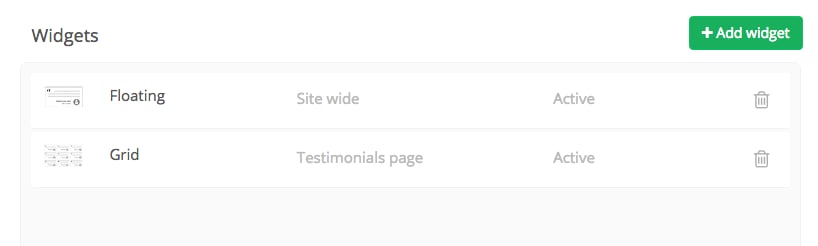
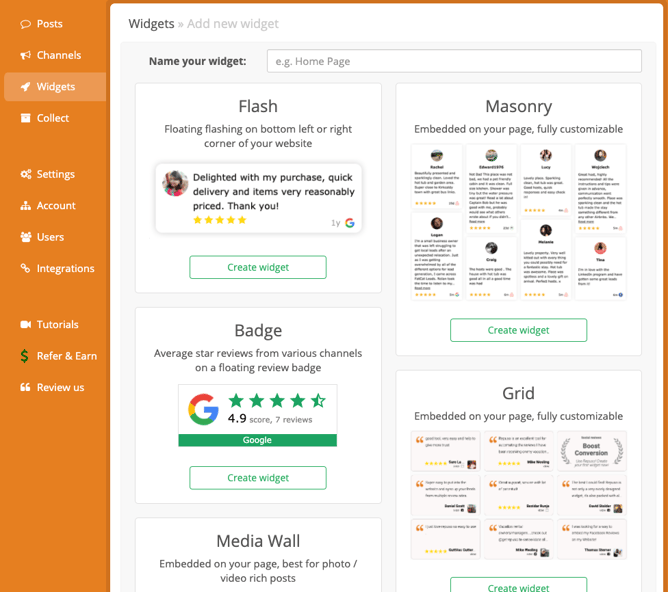
- Choose the widget of your choice and give it a description that you’ll recognize later
- This is the code that you’ll need to implement on your website (are you using WordPress? Use the Repuso WordPress plugin for easy implementation)
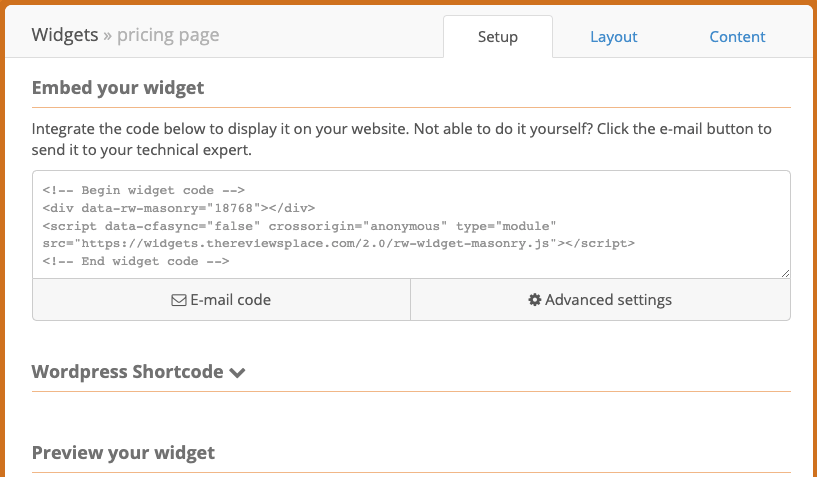
- You can customize the look and feel of the widget to match to your website (the “Layout” tab) along with selective reviews (“Content” tab).
- Each review collected from your Shopify app will appear on your “Inbox”. It’ll appear on your widget only after you approve it.
- That’s it! Your widget will always be up to date with the latest approved reviews.
If you have any feedback or other comments, please let us know.